
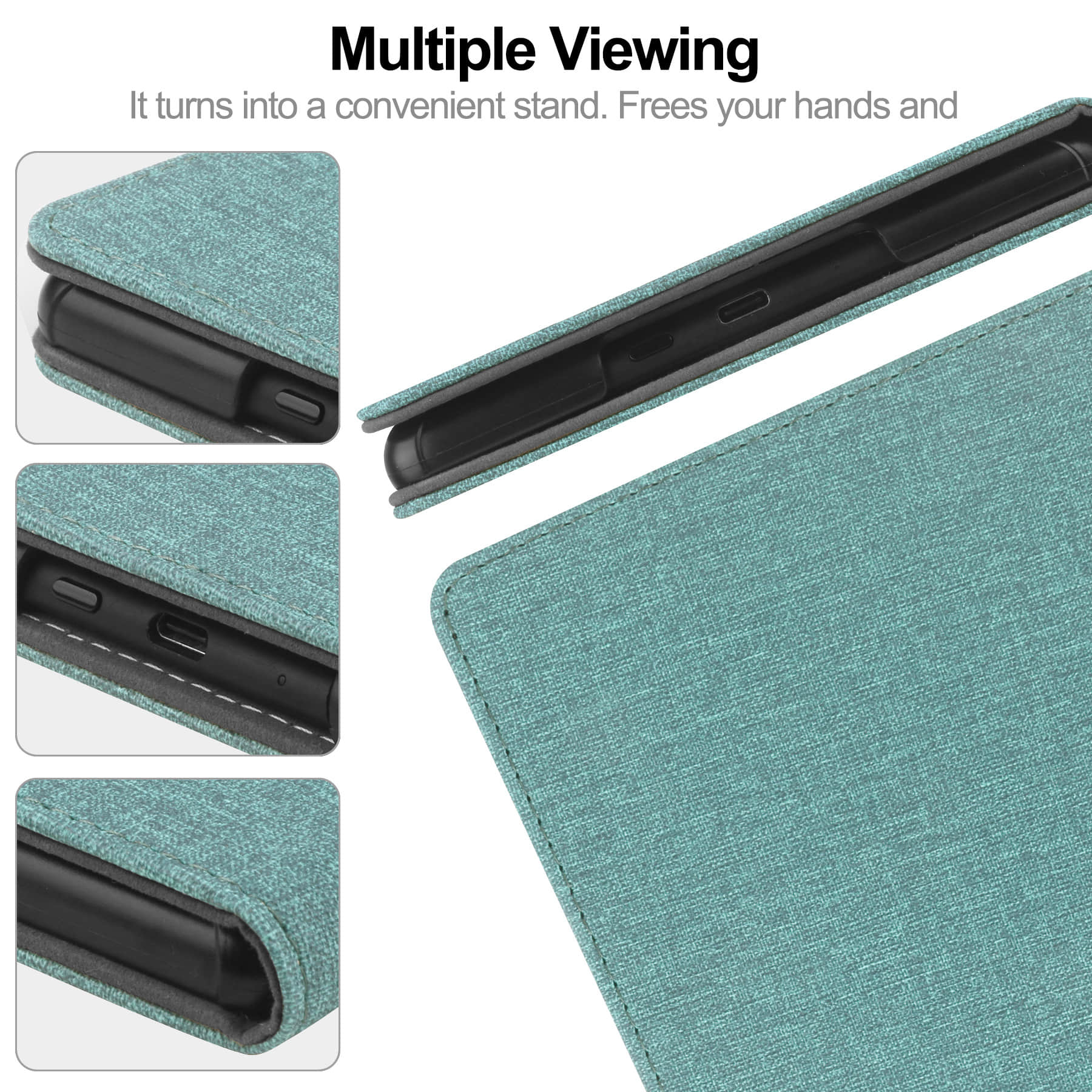

What Actually Makes a Rugged Tablet Case Worth the Investment
Most buyers figure any case with “rugged” in the name will do the job. That assumption gets expensive fast.

The honest reality is that the word “rugged” is basically unregulated marketing territory — a $12 import can call itself rugged just as easily as a case that’s been through MIL-STD-810G drop testing at 1.5 meters. So the first thing worth understanding is what separates genuine protection from a label slapped on a thin TPU shell. Why every tablet user needs a reliable case isn’t just about aesthetics or peace of mind — it’s about the actual cost of a cracked display versus the $40–$80 you’d spend on something built to last.
Material construction is where you start. A proper rugged tablet case uses a multi-layer system: usually a hard polycarbonate shell paired with a shock-absorbing inner layer — silicone or TPE — that actually absorbs kinetic energy on impact rather than transferring it straight to the device. Corner reinforcement matters more than most people realize. Corners are where energy concentrates on impact, and thin corners are where cheap cases fail first.
And then there’s the question of full coverage. When you enhance your tablet experience with an enclosure that wraps the entire device — screen, back, ports — you’re dealing with a fundamentally different protection philosophy than a slim back-cover. Full-body designs, the kind where 5 reasons why the full body approach outperforms partial cases come up again and again in drop-test comparisons, tend to hold up across repeated impacts rather than cracking on the second or third fall.
Port covers. Kickstands. Hand straps. These aren’t luxury add-ons — they’re functional details that signal whether a manufacturer actually thought through real-world use (warehouses, job sites, classrooms) or just styled something to look tough on a product page.
Build quality sourcing matters here too. Suppliers like Shuowei — whose company introduction positions them as a best supplier of B2B and OEM product solutions — work directly with buyers on specs like shell thickness and drop-rating certifications, which is exactly the kind of customization that separates a properly engineered rugged tablet case from a generic one. Introducing our heavy-duty anti-drop iPad case category as a starting point for spec conversations is common practice among serious procurement teams.
Protect your iPad in style with whatever design you want — but make the structure earn it first.
Drop and Impact Protection That Goes Beyond the Marketing Claims
MIL-STD-810H gets thrown around a lot. Too much, honestly. That certification covers a range of environmental stress tests — drop, vibration, humidity, altitude — but here’s what most buyers don’t realize: manufacturers self-certify. Nobody’s standing over them with a clipboard. So a case can technically claim MIL-spec compliance based on a single 4-foot drop test onto carpet, and you’d never know the difference until the device hits concrete at 6 feet on a loading dock.
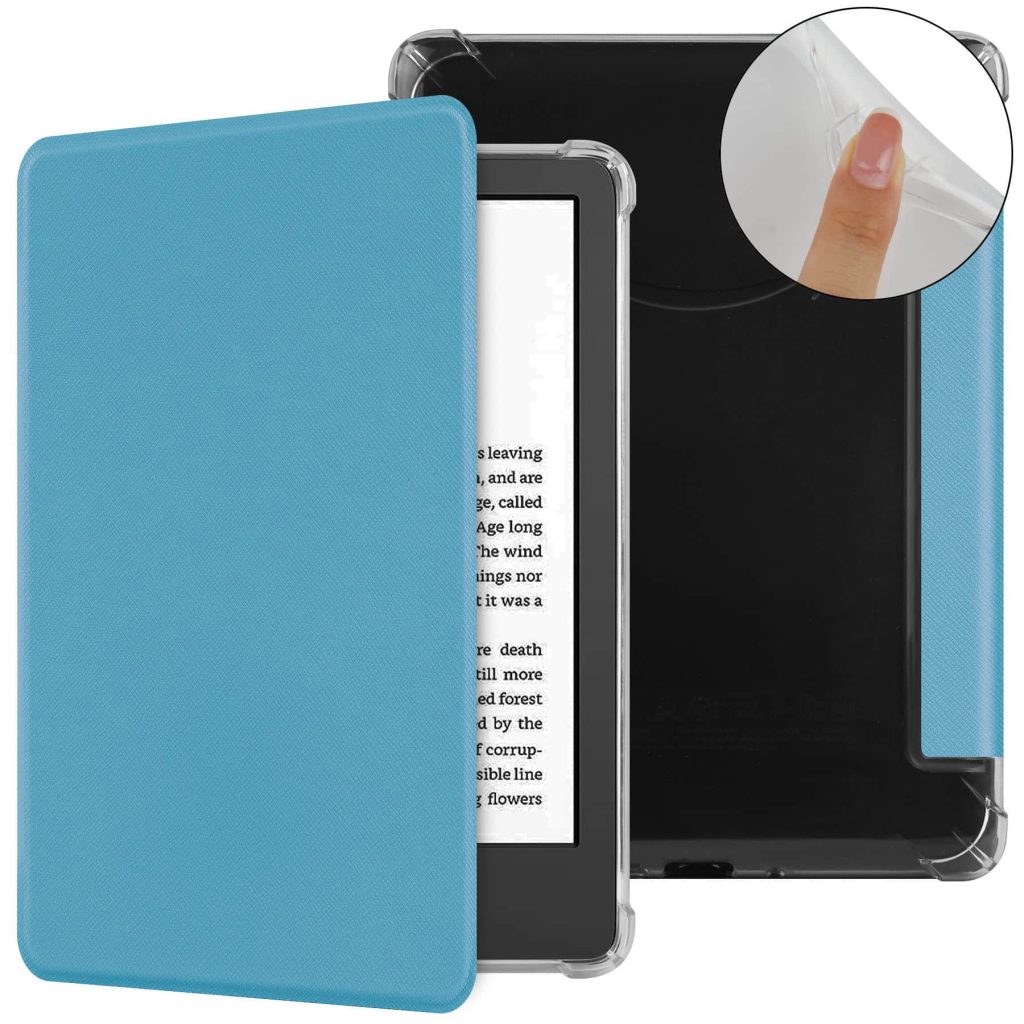
Real drop protection comes down to three things that no marketing badge can replace: shell rigidity, shock-absorbing layer thickness, and corner engineering. Corners are where cases fail. Every time. The physics aren’t complicated — impact force concentrates at corners, and a thin TPU wrap over hard polycarbonate isn’t going to absorb that energy, it’s going to redirect it straight into your tablet’s frame.
So when procurement teams start asking the right questions — shell thickness in millimeters, inner cushion material, corner reinforcement spec — they’re already ahead of 80% of buyers. This is exactly why introducing our heavy-duty anti-drop iPad case category as a starting point for spec conversations makes practical sense. You need numbers, not taglines.
There’s also a real difference between cases designed for accidental drops and cases designed for repeated drops. A field device in a warehouse or a classroom tablet (and classrooms are brutal, genuinely underestimated environments) will hit the floor dozens of times over its lifecycle. Single-impact testing tells you almost nothing about that scenario.
And protect your iPad in style with whatever finish you want — that part is fine — but style decisions should come after the structural specs are locked. Not before. A rugged tablet case that looks aggressive but skips on corner bumpers is basically theater.
Why every tablet user needs a case with independently tested drop ratings rather than self-reported ones is simple: the gap between a $35 case and a properly engineered $80 case usually lives entirely in that corner construction. The branding looks identical. The internals don’t.
Dust, Water, and Environmental Resistance Ratings Explained
IP ratings confuse people. Not because the system is complicated — it’s actually pretty logical once you see it laid out — but because manufacturers lean on the numbers without explaining what they mean in practice. So here’s the short version: IP stands for Ingress Protection, and the two digits after it tell you how well a device (or case) handles solid particles and liquids respectively. IP54, for example, means dust-resistant (not proof) and splash-protected. IP68 means fully sealed against dust and submersible past one meter. Those are not the same thing, and a lot of buyers treat them like they are.

For a rugged tablet case, the relevant question is whether the rating applies to the case itself or the tablet inside it. Big distinction. Some enclosures are rated independently; others just claim the tablet’s existing rating carries over. It doesn’t, not reliably. Enhance your tablet experience with an independently tested enclosure and you’re actually buying something. Rely on vague language like “water-resistant design” and you’re buying marketing.
Not sealed. Not rated. Just vibes.
The table below shows how common IP ratings translate to real field scenarios — useful if you’re sourcing for warehouses, outdoor sites, or education environments where spills and dust are daily realities (and yes, a school cafeteria counts as a hostile environment).
| IP Rating | Dust Protection | Water Protection | Typical Use Case |
|---|---|---|---|
| IP52 | Limited dust resistance | Drip protection only | Light office or classroom use |
| IP54 | Dust resistant | Splash from any direction | Retail floors, light industrial |
| IP65 | Fully dust-tight | Low-pressure water jets | Warehouses, food service, outdoor |
| IP68 | Fully dust-tight | Submersion beyond 1 meter | Field work, construction, marine |
And this is where sourcing decisions get real. Why every tablet user needs a case with a verified environmental rating — not a self-reported one — comes down to what happens when something goes wrong on a job site and the device wasn’t actually protected. Suppliers like Shuowei handle this at the spec stage, building IP compliance into OEM briefs before production starts rather than testing after the fact. That’s the difference between a rating that holds and one that’s printed on a box.
Port Access and Ergonomics: The Details Suppliers Often Cut Corners On
Port covers are where cheap cases reveal themselves. You’ll find this out the first time you’re on a warehouse floor, gloves on, trying to pry open a silicone flap that’s either fused shut from cold or so loose it flops open on its own. Neither is acceptable when you’re mid-task.
So here’s what actually separates a well-engineered rugged tablet case from one that just looks the part on a product listing. The port cover design — USB-C, headphone jack, SIM tray access — needs to balance two completely opposing things: staying sealed under pressure while remaining operable by someone in work gloves (which, for reference, add roughly 6–8mm of finger bulk). Most budget suppliers solve this problem by doing nothing. They ship a cover that technically closes and call it done.
Honestly, ergonomics is the section of any product brief that gets gutted first when margins get tight. And that’s a problem, because the people actually using these devices in the field — logistics workers, site managers, food production supervisors — they’re not sitting at a desk with clean hands and unlimited time. Every extra second fumbling with a port flap is friction. Real, annoying, daily friction.
There’s also the hand-strap question. A lot of buyers first encounter a rugged case through something like “Introducing our Heavy-duty Anti-drop iPad Case” product pages that show a clean strap across the back — looks great in photos. But the strap positioning matters enormously depending on whether the user is left-handed, standing, or mounting the device to a cart. Fixed-position straps are a compromise. Rotating hand straps with a 360-degree grip are not a luxury feature; they’re a functional requirement for extended handheld use.
Weight distribution is the other thing nobody talks about enough. A case that adds 400g to a 12.9-inch iPad — and some do — creates wrist fatigue within 20 minutes of continuous use. That’s not speculation. Ergonomics researchers have documented it. When you want to protect your iPad in style with something that actually works in practice, the gram count and balance point matter as much as the drop rating.
- Port covers: test operability with gloves, not just fingertips
- Hand straps: rotating grip beats fixed position for field use
- Kickstand angles: multiple positions matter for shared-device environments
- Corner bulge design: should absorb impact without blocking button access
Suppliers who build for B2B buyers — the kind of sourcing support that lets you enhance your tablet experience with an OEM spec sheet rather than a retail box — tend to catch these details at the prototype stage. The rest ship first and troubleshoot later.
Conclusion
The right rugged tablet case isn’t the one with the longest spec sheet — it’s the one that still feels usable after four hours in the field. Drop rating gets the headline. Weight distribution and glove-friendly port covers are what determine whether the thing actually gets used or gets left in the truck.
Spec for real conditions, not best-case scenarios.
If you’re ordering at volume, push your supplier on prototype testing before production locks in. The details that get skipped at that stage — grip angle, corner clearance, kickstand range — are exactly the ones that generate returns and complaints six months later.
Frequently Asked Questions
Q: What does a rugged tablet case actually protect against?
A: The short answer: drops, dust, and moisture — but the details matter more than the headline rating. A case rated MIL-STD-810G handles drops from around 4–6 feet and resists temperature swings and vibration, while an IP65 rating keeps dust and water jets out. What most spec sheets don’t tell you is that corner protection and internal shock-absorbing foam do the real work on impact.
Q: How much should I expect to spend on a quality rugged tablet case?
A: For a solid consumer-grade rugged tablet case, you’re looking at $30–$80 retail. Step up to enterprise-grade options with hand straps, kickstands, and proper port covers — brands like Pelican or Gumdrop — and you’re in the $80–$180 range. If you’re buying at volume for a fleet deployment, OEM sourcing can bring that unit cost down significantly without sacrificing spec.
Q: Is a rugged tablet case worth it for warehouse or field use?
A: Genuinely, yes — but only if it’s spec’d for your actual conditions, not a best-case scenario. A warehouse floor isn’t the same as an outdoor construction site, and a case built for one can fail badly at the other. The ROI math is straightforward: one replacement tablet costs more than a proper case every time.
Q: How do I know if a rugged tablet case will fit my device properly?
A: Check cutout dimensions, not just the listed tablet model — manufacturers update tablet dimensions between generations without changing the name. A 10.5mm thickness difference in a new device revision can block port access or make the case fit loose. Always confirm against the exact model number and year variant before ordering in bulk.
Q: Can I use a rugged tablet case with gloves on?
A: It depends on the case design, not the gloves. Look specifically for recessed button covers with at least 8–10mm of tactile travel and port flaps that open single-handed — most budget cases skip this entirely. If glove compatibility is a real requirement (construction, cold storage, logistics), test with your actual gloves before committing to a large order.
Q: What’s the difference between MIL-SPEC and IP ratings on a rugged tablet case?
A: They test for completely different things. MIL-STD-810 covers mechanical stress — drops, vibration, altitude, temperature — while IP ratings (like IP54 or IP65) measure ingress protection against dust and water. A rugged tablet case can have one without the other, so a case with great drop protection might still let dust in on a job site. You want both if conditions are genuinely harsh.
Q: How long does a rugged tablet case typically last?
A: In real field use — not lab conditions — expect 2–3 years before the foam compresses, the port covers crack, or the hand strap wears through. The weak points are almost always the moving parts (kickstands, strap anchors, rubber flaps) rather than the shell itself. Buying from a supplier who offers replacement parts or modular components extends that lifespan considerably.
Q: Why do some rugged tablet cases cost three times more than others with identical ratings?
A: The rating is the floor, not the full story. Premium cases use dual-layer construction (polycarbonate shell over TPU inner) and go through actual third-party drop testing — cheaper cases self-certify and use thinner materials that technically pass once under controlled conditions. Ergonomics, weight distribution, and build tolerances are where the price gap actually lives, and those things only show up after hours of real use.