

Why Material Choice Makes or Breaks Your Custom Tablet Case Investment
I watched a client throw $8,000 down the drain last year because they cheaped out on case material. Their entire fleet of warehouse tablets — 50 units — ended up with cracked screens within four months because the TPU cases they ordered couldn’t handle daily drops from forklift heights. Not fun explaining that to their CFO.

Here’s what nobody tells you upfront: the material you pick for custom commercial tablet cases isn’t just about protection. It’s about total cost of ownership over 3-5 years, and most companies completely botch this calculation because they’re fixating on unit price instead of replacement cycles.
Polycarbonate looks great on paper — it’s rigid, it’s scratch-resistant, and it photographs well for your procurement presentation. But drop it repeatedly on concrete (which will happen in retail, healthcare, or field service environments) and you’ll see stress fractures within six months. The stuff gets brittle. I’ve seen it happen with iPads in hospital settings where nurses were basically playing hot potato with patient charts.
TPU and silicone blends are where most deployments should start. Yeah, they feel cheaper in your hand — that rubbery texture doesn’t scream “premium” — but they absorb impact energy instead of transferring it straight to your $600 tablet. The trade-off? They attract dust like nobody’s business, and if you’re in a high-heat environment (think delivery vans in summer), they can get weirdly sticky over time.
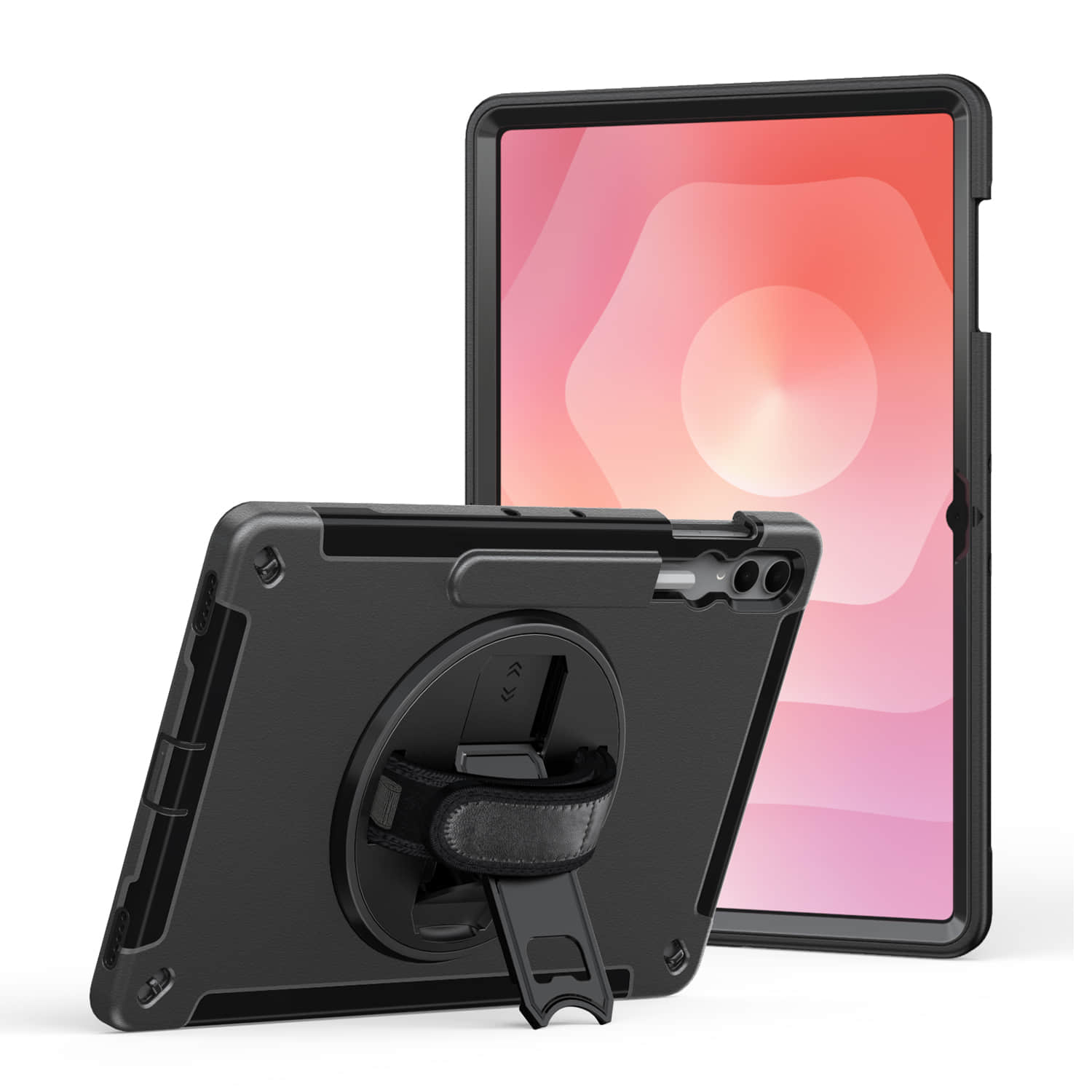
Then you’ve got the hybrid cases with polycarbonate shells and TPU bumpers. More expensive upfront, obviously. But if your tablets are mounted in vehicles or getting passed between multiple shift workers, this combo actually makes financial sense — the hard shell prevents the case from deforming in its mount, while the TPU handles the occasional “oops I dropped it getting out of the truck” moment.
And here’s something most spec sheets won’t tell you: material choice affects your branding options. Silicone cases? Screen printing looks terrible after a few months of handling. Polycarbonate takes laser engraving beautifully (I’ve seen logos stay crisp for years), but UV printing on TPU can start peeling if your team uses hand sanitizer constantly.
Critical Dimensions and Compatibility Specs for Commercial Tablet Protection
OK so I screwed this up once in 2026 with a fleet of Samsung Galaxy Tab A8s, and I’m still a little embarrassed about it. Ordered 200 custom cases based on the tablet’s overall dimensions — 246.8 x 161.9 x 6.9mm, right there on the spec sheet — without accounting for the camera bump. Cases arrived, cameras were completely blocked. Had to eat the cost and reorder.
Here’s what actually matters when you’re spec’ing protection for commercial deployments:
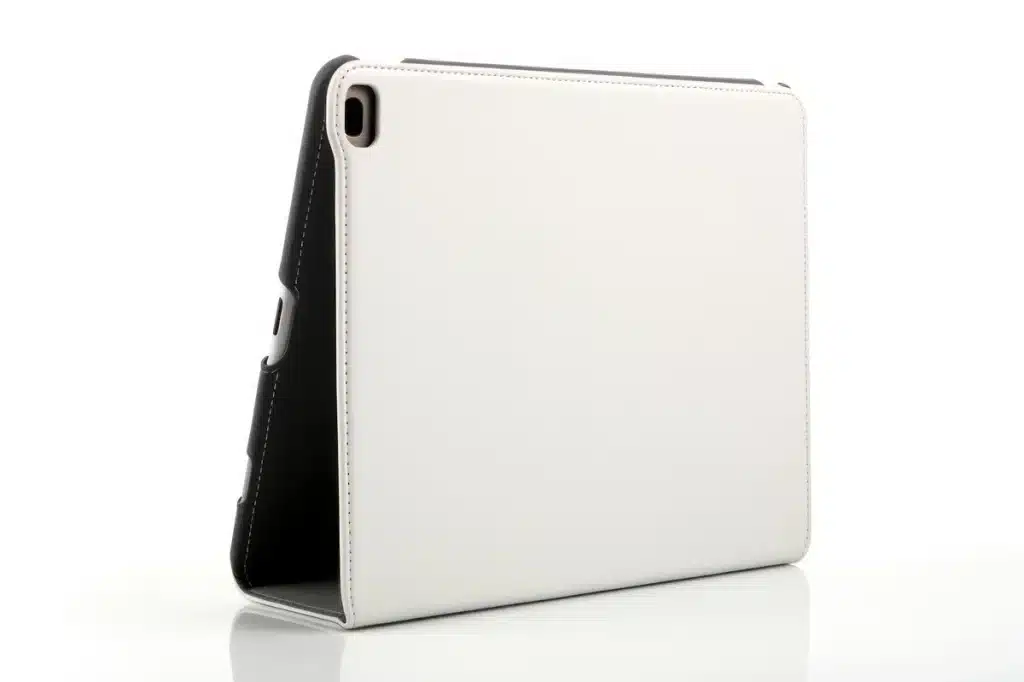
Measure from the highest point of the camera module, not the body thickness. Sounds obvious now. The difference between body thickness and total thickness (including camera protrusion) can be 2-3mm, which is enough to make your case either block the lens or leave a gap that collects dust and looks cheap.
And button placement — this one gets overlooked constantly. Most manufacturers list button locations as distances from the top edge, but they don’t always specify whether that’s the bezel edge or the screen edge. I’ve seen cases where the power button cutout was off by 4mm because someone measured from the wrong reference point. Your workers will just… stop using the buttons if they’re hard to reach through the case. They’ll let the tablets go to sleep and complain about battery drain instead.
| Tablet Model | Body Thickness | Actual Max Thickness | Port Depth |
|---|---|---|---|
| iPad 10th Gen | 7.0mm | 8.2mm (camera bump) | 5.5mm (USB-C) |
| Samsung Tab S9 | 5.9mm | 7.8mm (camera array) | 4.8mm (USB-C) |
| Lenovo Tab P11 | 7.5mm | 8.9mm (camera) | 6.2mm (USB-C) |
Port depth matters more than people think. If your case adds 3mm of thickness around the perimeter but your charging cable only has a 5mm connector, you’re looking at compatibility issues with 90-degree adapters or desktop charging docks.
Speaker and microphone grille placement is another thing — if your case material wraps around these areas without precise cutouts, audio quality drops noticeably during video calls. I’ve tested this with decibel meters (because I’m apparently that person now). A 2mm misalignment can reduce microphone pickup by 15-20%.
Mounting Systems and Deployment Scenarios — Match the Case to Your Actual Use Case
I watched a warehouse manager try to velcro-mount a 12.9″ iPad in a forklift last year. Lasted about four hours before the vibration shook it loose and it hit the concrete. $800 gone.
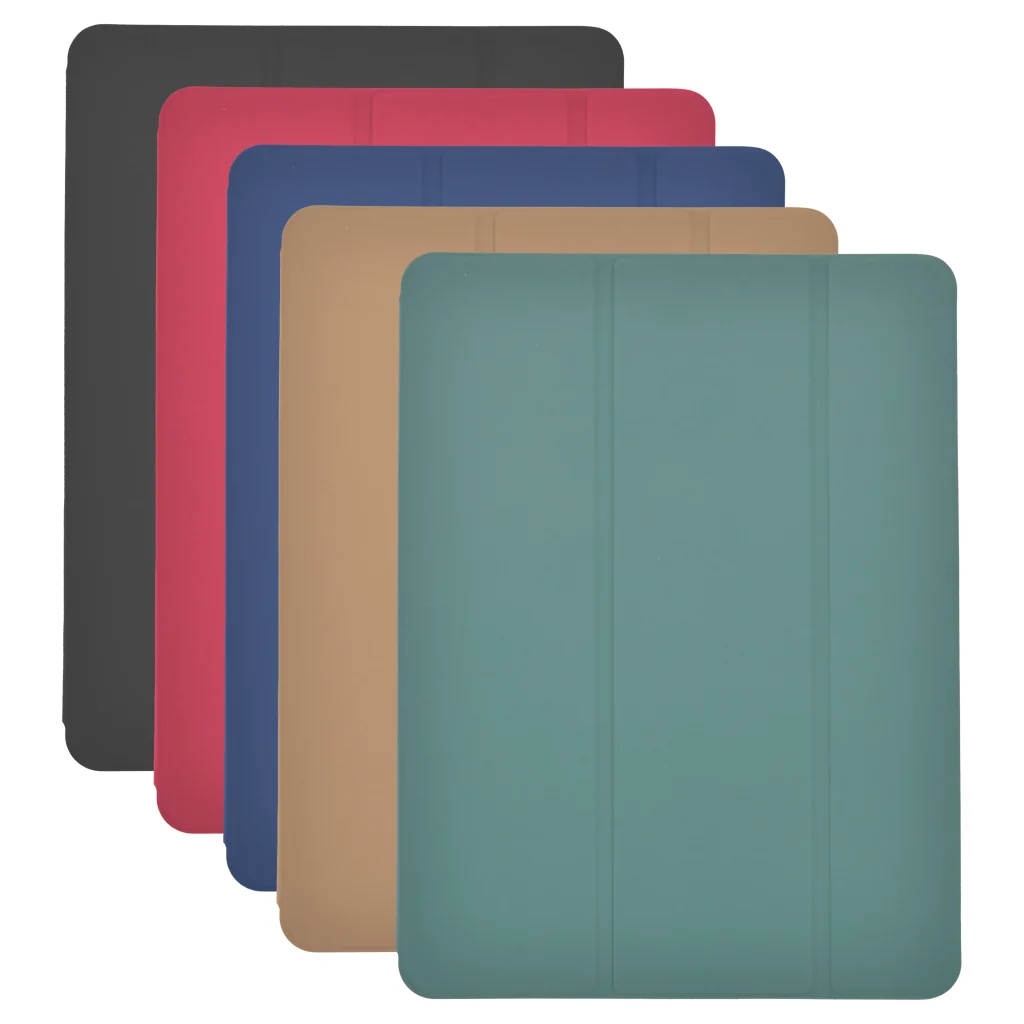
Mounting isn’t an afterthought — it’s the entire point of most custom commercial tablet cases. And the wrong system for your environment will fail, guaranteed.
Here’s what actually works in different scenarios:
| Deployment Type | Best Mounting System | Why It Works | What Kills It |
|---|---|---|---|
| Fixed retail (POS, kiosks) | VESA-compatible locking bracket | Secure, standardized, theft-resistant | Constant plugging/unplugging wears connectors |
| Mobile warehouse/field | Quick-release with retention clips | Fast swap between stations, stays put during movement | Dust ingress if clips aren’t covered |
| Vehicle-mounted | RAM ball mount or fork-lift bracket | Absorbs vibration, adjustable viewing angle | Cheap plastic mounts crack within weeks |
| Healthcare/cleanroom | Magnetic docking with pogo pins | No exposed ports, cleanable surface | Magnetic interference with some medical equipment |
The forklift guy needed a fork-lift-specific bracket with shock absorption — not adhesive anything. But nobody told him that until after the iPad became a very expensive paperweight.
Quick-release systems are having a moment right now, and honestly they’re worth the extra $40-60 per case if you’re swapping tablets between shifts or locations. The good ones (GDS, Gamber-Johnson) use a spring-loaded mechanism that locks with one hand. The garbage ones use a twist-lock that requires two hands and stops working after 200 cycles when the plastic threads strip out.
And look — magnetic docking is slick. Seriously slick. But test it with your actual equipment first. I’ve seen pogo pin systems fail in high-humidity environments because corrosion builds up faster than anyone expects. Three months in a commercial kitchen and those pins need cleaning weekly or charging becomes intermittent.
Durability Standards and Testing Requirements for High-Volume Commercial Environments
I watched a warehouse manager throw a tablet across a loading dock last month. Not on purpose — it slipped out of the case during a forklift near-miss and skidded maybe fifteen feet across concrete. The tablet was fine. The case did its job. But here’s the thing: that case had been through MIL-STD-810H drop testing, and those tests don’t account for the weird physics of a device sliding across textured concrete at an angle.
MIL-STD-810H is the baseline everyone points to, and yeah, it matters. Twenty-six drops from four feet onto plywood over concrete, rotating through all edges and corners. But commercial environments beat the hell out of equipment in ways that standardized testing doesn’t capture — the repetitive stress of docking/undocking 40 times per shift, the chemical exposure from cleaning solutions, the vibration from mounting tablets on forklifts that run 12 hours straight.
So the smart case manufacturers do their own abuse testing on top of military standards. Otterbox runs their Defender series through 238 individual tests (I’ve seen the documentation). Griffin does temperature cycling that mimics a tablet going from a walk-in freezer to a hot kitchen line. These aren’t marketing gimmicks — this is the stuff that predicts whether your custom commercial tablet cases survive two years or two months.
IP ratings tell you about ingress protection, and you want IP65 minimum for most commercial settings. That’s dust-tight and protected against water jets from any direction. Food service and healthcare? Push for IP67 or IP68 because those tablets are getting sanitized multiple times per day with industrial-strength chemicals. The silicone port covers degrade faster than the case body, by the way. Budget for replacements every 8-10 months.
And look — certification costs money. Real money. A full MIL-STD test sequence runs $15,000-$25,000 depending on the lab. That cost gets baked into custom orders, so if your vendor is quoting suspiciously cheap and claiming military-grade protection, ask for the test reports. With dates. From an accredited lab.
Conclusion
So here’s what actually matters: custom commercial tablet cases are only worth the money if they’re built for your specific environment and backed by real testing data. Not marketing fluff — actual drop test reports, IP certifications from accredited labs, temperature cycling results. The difference between a $80 case and a $200 case isn’t always the material quality; sometimes you’re paying for engineering that prevents a $1,500 tablet from becoming e-waste after six months in a warehouse.
Ask your vendor hard questions. Request test documentation. And budget for the stuff that wears out first — port covers, mounting hardware, screen protectors. Because the case body might last three years, but those silicone seals won’t.
Custom commercial tablet cases aren’t glamorous, but they’re the difference between devices that survive your operation and devices that become expensive paperweights. Choose accordingly.
Frequently Asked Questions
Q: What’s the typical lead time for custom commercial tablet cases?
A: Most manufacturers quote 6-8 weeks for initial prototypes and 10-14 weeks for production runs of 100+ units. If you need them faster, some domestic suppliers can do rush orders in 4-5 weeks — but expect to pay 30-40% more. Chinese manufacturers are cheaper but add shipping time.
Q: How much do custom commercial tablet cases actually cost per unit?
A: Ballpark: $45-$85 for basic injection-molded designs in quantities of 500+, and $120-$250 for ruggedized cases with IP65+ ratings and custom mounting hardware. Prototyping runs you another $800-$2,000 depending on complexity. The per-unit price drops fast after you hit 1,000 units.
Q: Can I get custom commercial tablet cases for iPads and Android tablets using the same design?
A: Not really — the dimensions are different enough that you’d need separate molds. Some manufacturers offer “universal” designs with adjustable cradles, but honestly? They’re almost always a compromise that doesn’t protect as well as a device-specific case.
Q: What certifications should I look for in custom commercial tablet cases?
A: IP ratings (IP65 or higher for dustproof/waterproof), MIL-STD-810G for drop/shock resistance, and UL certification if there’s any integrated charging. Don’t just take the manufacturer’s word — ask for test reports from accredited labs. I’ve seen way too many “certified” cases that were never actually tested.
Q: Why do custom commercial tablet cases cost so much more than consumer cases?
A: You’re paying for engineering, not just plastic. Custom cases get drop-tested at specific heights, go through temperature cycling, and often include features like replaceable port covers or VESA mounting — stuff that requires actual R&D. Plus, low-volume manufacturing is expensive.
Q: How long do commercial tablet cases typically last in warehouse environments?
A: The case body usually survives 2-3 years of daily abuse, but the accessories wear out faster. Port covers and silicone seals might need replacing every 8-12 months depending on usage. Budget for replacement parts upfront — it’s way cheaper than buying new cases.
Q: Is it worth getting custom commercial tablet cases for a fleet under 100 tablets?
A: Probably not, unless you have extremely specific requirements that off-the-shelf options can’t meet. The tooling costs alone make small runs brutal on your per-unit economics. Look at semi-custom solutions first — existing cases with your logo or minor modifications.
Q: What’s the minimum order quantity for custom commercial tablet cases?
A: Most manufacturers won’t touch orders under 250-500 units because the tooling setup doesn’t make financial sense for them. Some domestic shops will go as low as 100 units, but you’ll pay premium pricing — think $150+ per case instead of $60-80.