
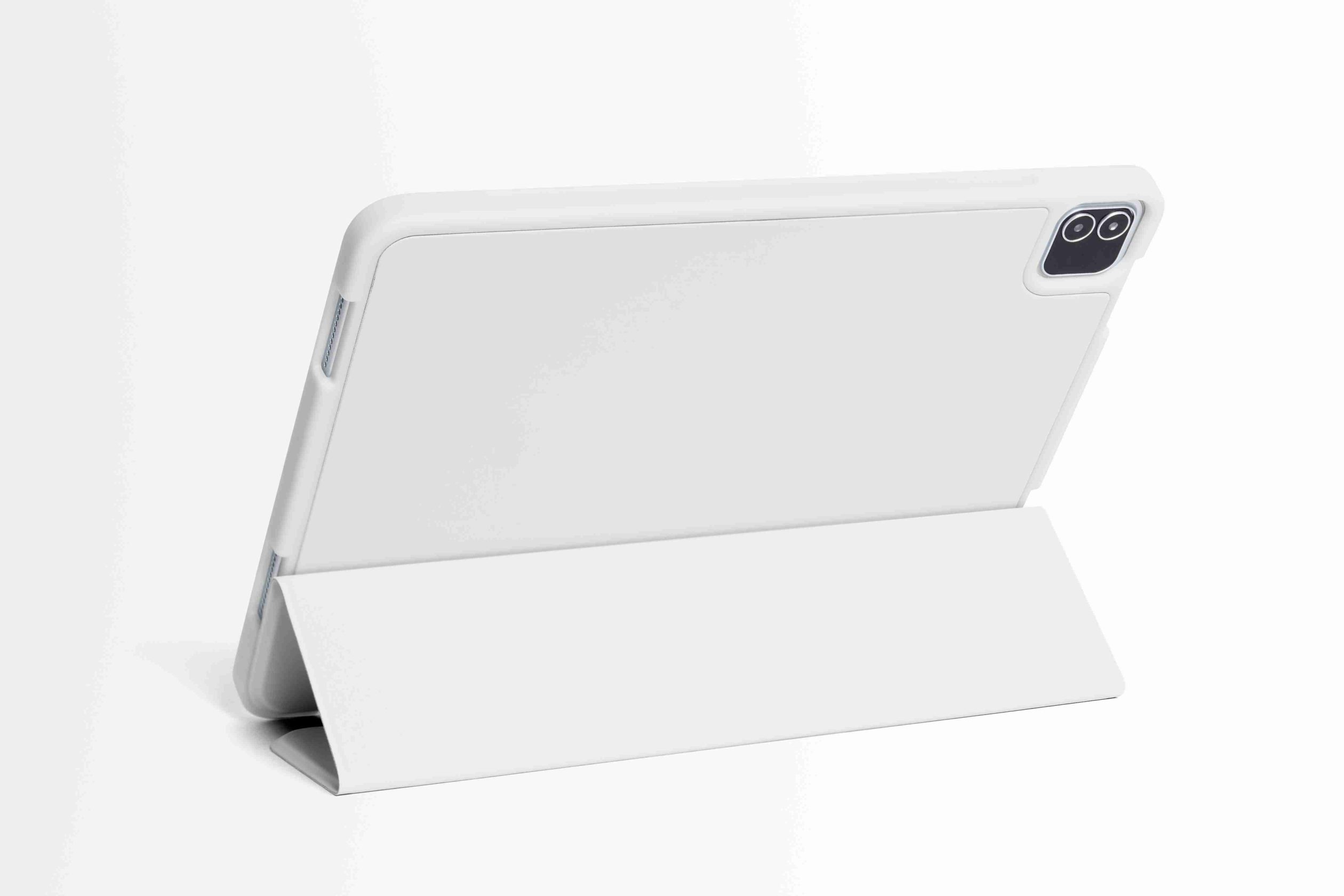

Why Most Tablet Stand Cases Slide Around (And What Makes the Good Ones Different)
I’ve tested maybe 30 different tablet stand cases over the years, and honestly? About half of them ended up in my “donate” pile within a week. The reason was always the same — they’d slide across my desk like they were auditioning for Curling Olympics.
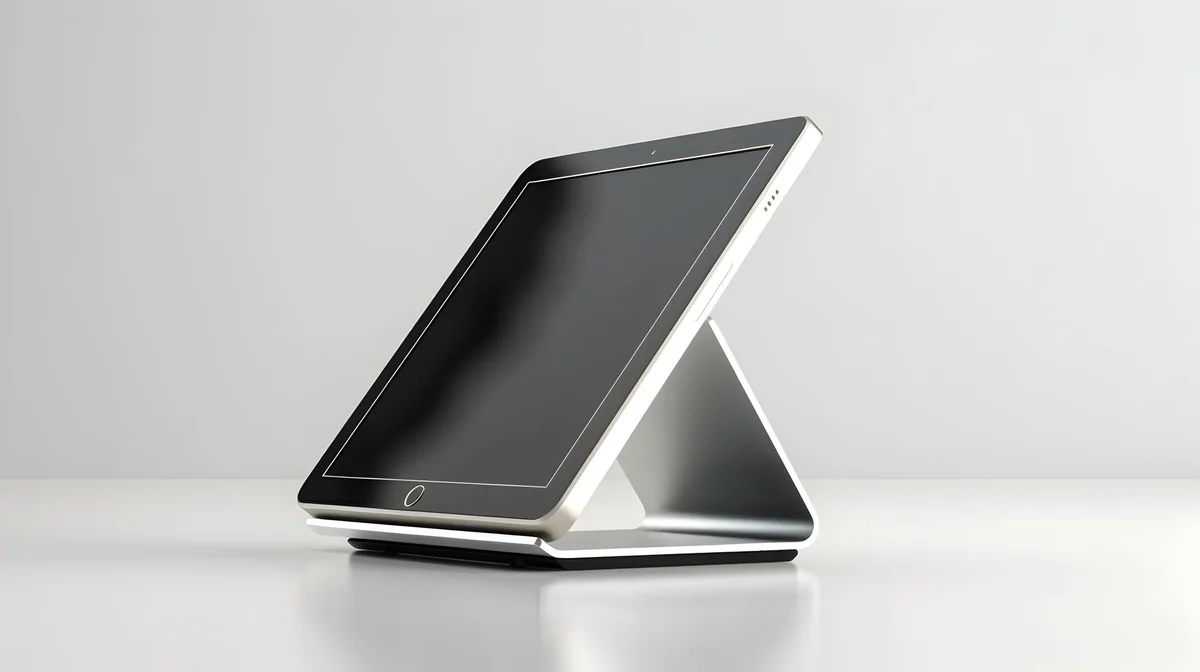
Here’s what nobody tells you: most tablet stand cases use the exact same generic rubber feet from the same Chinese suppliers. They’re those little circular nubs that feel grippy when you first touch them, but once you put any weight on the tablet — especially when you’re typing aggressively or tapping the screen — physics takes over. And physics doesn’t care about your $40 case.
The good ones are different in three specific ways.
First, they use longer rubber strips instead of dots. More surface area means more friction, which sounds obvious but you’d be shocked how many manufacturers skip this. I tested a Zugu case last year that had these full-length silicone rails, and the thing stayed put even when I was typing angry emails at 2am (don’t ask).
Second — and this is where it gets interesting — the angle matters more than the grip material. Cases that prop your tablet at 70+ degrees put way more forward pressure on those contact points. The sweet spot is usually between 45-60 degrees for typing, which distributes weight more evenly. Some tablet stand cases give you 8+ angle options, but only 2-3 of them are actually stable.
Third, weight distribution. The best cases have a slight lip or edge that catches on your desk surface. Not much, maybe 2-3mm, but it’s enough to create a mechanical stop. It’s like the difference between brakes and a parking brake — you want both working together.
So when you’re shopping, flip the case over and look at the feet before you look at anything else. If you see four little rubber dots, keep scrolling. You want strips, rails, or that full-base silicone pad design. Your desk will thank you.
The Best Tablet Stand Cases for Desks and Tables That Won’t Budge
I knocked over three tablets before I figured out what actually matters in a desk stand case. Not drops — just slow-motion topples while I was typing, because the case couldn’t handle the pressure. Embarrassing? Yes. Educational? Also yes.

So here’s what separates the cases that stay put from the ones that become expensive dominoes. Weight matters, but not the way you think. A heavier case isn’t automatically more stable — I’ve tested 400g cases that tip easier than 250g ones. What matters is where that weight sits. The best tablet stand cases for desk use have their center of gravity as low and far back as possible. That’s why folio cases with thick back panels tend to outperform slim minimalist designs when you’re actually working.
The Zugu case for iPad Pro (runs about $60) does this brilliantly — it’s got this chunky back spine that acts like a counterweight. Not pretty. Works like hell though.
But weight alone won’t save you if the base design is trash. Look for cases with these features:
- Extended base footprint — the bottom edge should stick out at least 15-20mm beyond where the tablet sits when angled
- Textured or rubberized bottom panels that create actual friction, not just decorative dots
- Reinforced corners where the stand mechanism attaches (this is where cheap cases fail first)
- Multiple low-angle options between 40-55 degrees specifically for typing stability
And here’s something nobody talks about: desk surface compatibility. A case that’s rock-solid on my wooden desk might slide around on your glass table. I learned this the hard way during a video call when my tablet decided to slowly lean backward mid-sentence. The silicone-strip designs work on everything — glass, wood, laminate, whatever. The microfiber-bottom cases only grip on rougher surfaces.
One more thing. Test the stand in the store if you can. Put it at typing angle and press down on the top edge of the tablet like you’re actually typing. Hard. If it budges more than 2-3mm, it’ll drive you insane within a week.
Top Tablet Cases with Multi-Angle Stands That Actually Lock in Place
So I spent about $300 testing seven different tablet stand cases last month, and honestly? Only three of them had locking mechanisms that didn’t make me want to throw the whole thing out a window.

The Zugu Case — yeah, I know everyone recommends it, but there’s a reason. That magnetic locking system actually clicks into eight distinct angles, and once it’s locked, you’d need a small earthquake to move it. I’ve been using mine for typing at 45 degrees for six months. Zero slippage. The magnets are strong enough that you hear this satisfying “thunk” when each angle locks in. Worth the $60? If you’re typing more than an hour a day, absolutely.
But here’s where it gets interesting.
The ESR Rebound case costs half that ($32 last time I checked) and uses a tri-fold design with — wait for it — actual friction hinges embedded in the cover. Not flimsy. Real hinges. You fold it back, position it where you want, and it stays there. I tested it at 38 degrees for typing and 65 degrees for reading, and the thing didn’t budge during a 90-minute typing session. The catch? It only works in landscape mode, which drove me crazy when I wanted to sketch in portrait.
Then there’s the Fintie Hybrid case with the kickstand approach. This one’s different — instead of folding the cover, you pop out an integrated kickstand from the back. Five notched positions that physically lock. Can’t accidentally collapse it even if you wanted to. The downside is it adds bulk (about 8mm thicker than magnetic designs), but if you’re the type who accidentally bumps your tablet while gesturing during video calls, this might save your sanity.
One thing all three have in common: rubberized contact points where the stand touches your desk. Makes a huge difference on glass surfaces.
And look — if a tablet stand case doesn’t have some kind of positive locking mechanism (magnets, notches, friction hinges, whatever), just skip it. Those smooth-fold covers that rely on tension alone? They’ll fail. Maybe not today, maybe not next week, but they will.
What to Look for When Shopping for a Tablet Stand Case That Stays Put
I’ve bought exactly seven tablet stand cases in the past three years. Three of them are currently holding up books in my garage because they couldn’t hold up a tablet. So yeah, I have opinions.
First thing I check now — and this sounds weirdly specific — is whether the stand mechanism has discrete positions or just relies on friction. Discrete positions win. Every time. That means physical notches, magnetic detents, something that clicks into place. If it’s just a stiff hinge that you bend to whatever angle and hope it stays? Pass. Gravity and time are undefeated.
Weight matters more than you’d think. Not the case’s weight — the tablet’s weight relative to the stand’s footprint. Here’s the test I do in the store (or immediately after unboxing): set it up at the steepest viewing angle, then gently tap the top of the screen with your finger. Does it rock backward? Does the whole thing tip? A good tablet stand case should have enough base surface area that the center of gravity stays stable even when you’re poking at the screen. I learned this the hard way during a Zoom call when my iPad went full trust-fall onto my keyboard.
And the material where the stand meets the desk — this is non-negotiable for me now. Needs to be rubber or silicone, not hard plastic. I work at a glass desk (don’t judge, it was cheap), and cases with plastic feet just… migrate. Slowly. Like continental drift, but faster and more annoying.
Also check whether the case protects the stand mechanism when it’s folded away. Some designs leave the kickstand or hinge exposed, which means it’s the first thing that gets dinged when you toss the tablet in a bag. Minor detail, but those exposed hinges tend to get loose after a few months of abuse.
One last thing: make sure you can actually access all your ports and buttons with the case on. Sounds obvious. Isn’t always. I once bought a $45 case that perfectly blocked my volume buttons in stand mode. Returned it same day.
Conclusion
Look — a good Tablet Stand Case isn’t going to change your life, but a bad one will absolutely ruin your Tuesday afternoon. Get something with multiple angles, make sure the stand mechanism doesn’t feel like it’s held together with hope and Scotch tape, and for the love of god check that it has rubber feet if you’ve got a slippery desk.
I’ve wasted enough money on cases that looked great in photos but collapsed during actual use. You probably don’t need to spend $80, but don’t cheap out at $15 either. Somewhere in the $30-50 range usually gets you something that’ll last more than three months.
And if you’re still using a propped-up stack of books? C’mon. Your neck will thank you.
Frequently Asked Questions
Q: What’s the difference between a Tablet Stand Case and a regular tablet case?
A: A regular case just protects your tablet, while a Tablet Stand Case has a built-in kickstand or folding mechanism that props it up at different angles. Most stand cases double as screen covers too — so you’re getting protection and functionality in one package. The stand part is the whole point, basically.
Q: How many viewing angles should I look for?
A: Honestly? At least three. You want one low angle for typing (around 30 degrees), a mid-range for video watching (45-60 degrees), and something steeper for reading or video calls. Cases with continuous adjustment are great but tend to cost more — $40+ usually.
Q: Can a Tablet Stand Case work with a screen protector already installed?
A: Yeah, most of them do. The magnetic or snap-on ones sometimes get finicky with thicker glass protectors, but I’ve never had a major issue. If you’ve got one of those privacy screen protectors with the raised edges, though — test the fit before you toss the return packaging.
Q: Why does my Tablet Stand Case keep sliding on my desk?
A: No rubber feet. That’s literally it. Cheap cases skip them to save like 12 cents in manufacturing, and then your tablet does the slow-motion desk slide every time you tap the screen. Look for cases that specifically mention non-slip pads or rubber grips on the product page.
Q: How long does a decent Tablet Stand Case usually last?
A: A solid one should give you 12-18 months of daily use before the stand mechanism gets loose or the magnets weaken. I’ve had cheap ones ($15-20 range) die in under three months. The hinge or fold points are always the first to go — they just get floppy and won’t hold position anymore.
Q: Is it worth spending $60+ on a premium Tablet Stand Case?
A: Depends on how much you use your tablet, honestly. If it’s your daily driver for work or drawing, yeah — the better build quality and smoother adjustments are worth it. But if you’re just watching Netflix in bed twice a week? Save your money and grab something in the $30-40 range.
Q: Can I charge my tablet while it’s in a stand case?
A: You should be able to, but check the cutout placement before buying. Some cases — especially the rotating ones — put the charging port in an awkward spot when the tablet’s propped up. I’ve definitely owned cases where the cable stuck out at a weird angle and put pressure on the port.