
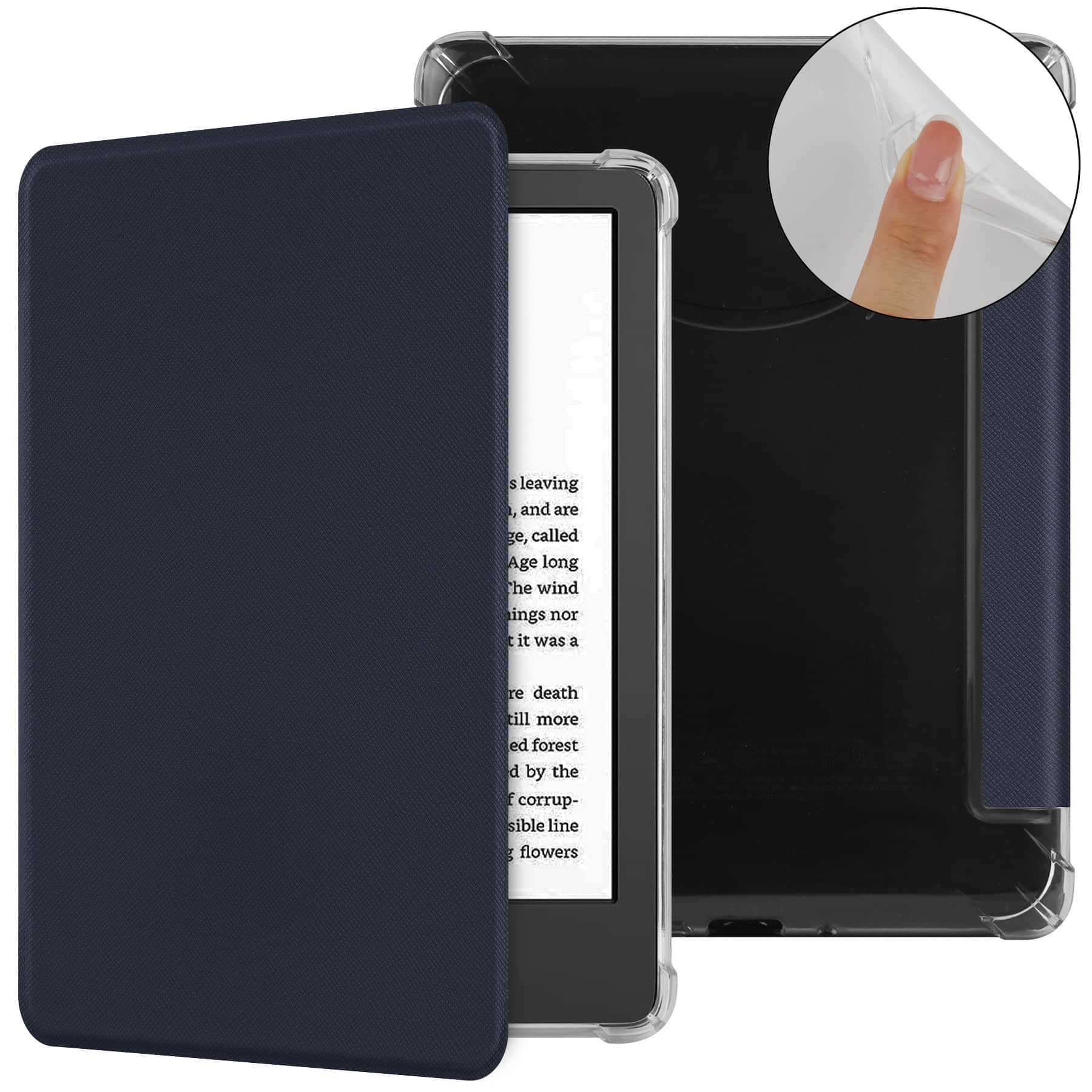

Why Custom Tablet Cases Actually Matter (And How to Get One That Doesn’t Suck)
I dropped my iPad Pro in a parking lot last month. Not from my hand — it slid off the roof of my car while I was loading groceries. Ten feet of freefall onto asphalt.
It bounced.
The case I’d been using was this cheap generic thing I grabbed off Amazon for twelve bucks. Worked fine for six months. But here’s the thing about mass-produced tablet cases — they’re designed for the average use case, which means they’re optimized for nobody in particular. They protect against drops (usually). They prop up your screen at one, maybe two angles. And that’s where the innovation stops.
A custom tablet case isn’t just about slapping your company logo on polyurethane. It’s about designing protection and functionality around how you actually use the device. I know a construction foreman who had cases made with a reinforced corner specifically because he kept clipping his tablet to his belt and smacking it into door frames. His custom case has an extra 8mm of shock absorption on that one corner — sounds ridiculous until you realize he hasn’t cracked a screen in three years.
So what separates a custom tablet case that’s worth the money from overpriced garbage? Three things, honestly:
- Material choice that matches your environment (leather for offices, TPU for kitchens, military-spec polymer if you work outdoors)
- Functional additions you’d never find in retail — stylus loops positioned where your hand actually rests, kickstands that hold at the exact angle you need for video calls, cutouts for accessories you actually own
- Durability specs you can verify, not just marketing fluff about “premium protection”
The custom case market has gotten weird lately. You’ve got Etsy sellers doing genuinely creative work next to dropshippers pretending customization means picking from four colors. And then there are the bulk manufacturers who’ll do proper custom molding — but only if you’re ordering 500 units minimum.
Finding the middle ground takes work. Worth it, though.
Design Your Own Tablet Case: What Works, What Doesn’t, and How to Avoid Looking Like an Amateur
I’ve seen some genuinely terrible custom tablet cases. Like, “did you design this in Microsoft Paint during a power outage” terrible.
The difference between a custom case that looks professional and one that screams amateur hour comes down to three things: restraint, technical specs you actually understand, and knowing when to stop adding features. Most people fail at all three.
Here’s what actually works — I’m talking about cases I’ve tested that held up for months, not just stuff that photographs well:
- Single accent colors instead of rainbow gradients (your case will be in your hands for hours daily; visual fatigue is real)
- Matte finishes over glossy prints, especially if you’re doing photo uploads — glossy shows every fingerprint and looks cheap within a week
- Corner reinforcement that’s actually thicker than the standard 2mm most manufacturers use; I spec 4mm minimum on custom orders
- Button cutouts with at least 0.5mm clearance on all sides, because tight tolerances mean your volume rocker stops working after the case breaks in
What doesn’t work? Honestly, most text-based designs. I’ve watched people spend $60 on a custom case with their favorite quote printed across the back, and it looks like a motivational poster from 2003. Typography is hard. Unless you actually know kerning from tracking — and if you’re Googling those terms right now, you don’t — stick with images or solid colors.
And please, for the love of everything, test your design at actual size before ordering. Print it out. Hold it next to your tablet. The cute pattern that looked great on your laptop screen might be overwhelming when it’s sitting in your lap during a three-hour flight.
The amateur move I see constantly: adding too many functional elements. Someone will design a case with a hand strap AND a kickstand AND a stylus holder AND a card slot, then wonder why it’s bulky and awkward. Pick two features max. Your custom tablet case isn’t a Swiss Army knife.
One more thing — if your design includes photos, make sure they’re at least 300 DPI at print size. That vacation shot from your phone? Probably 72 DPI. It’ll print blurry and pixelated, and the manufacturer won’t tell you until after you’ve paid.
Materials and Build Quality — The Stuff Nobody Tells You Before You Order
I ordered a custom tablet case last year that felt like cardboard wrapped in vinyl. Seriously. The listing said “premium materials” and showed these gorgeous close-up photos, but what showed up was basically a glorified cereal box. So let’s talk about what you’re actually getting when you click that order button.
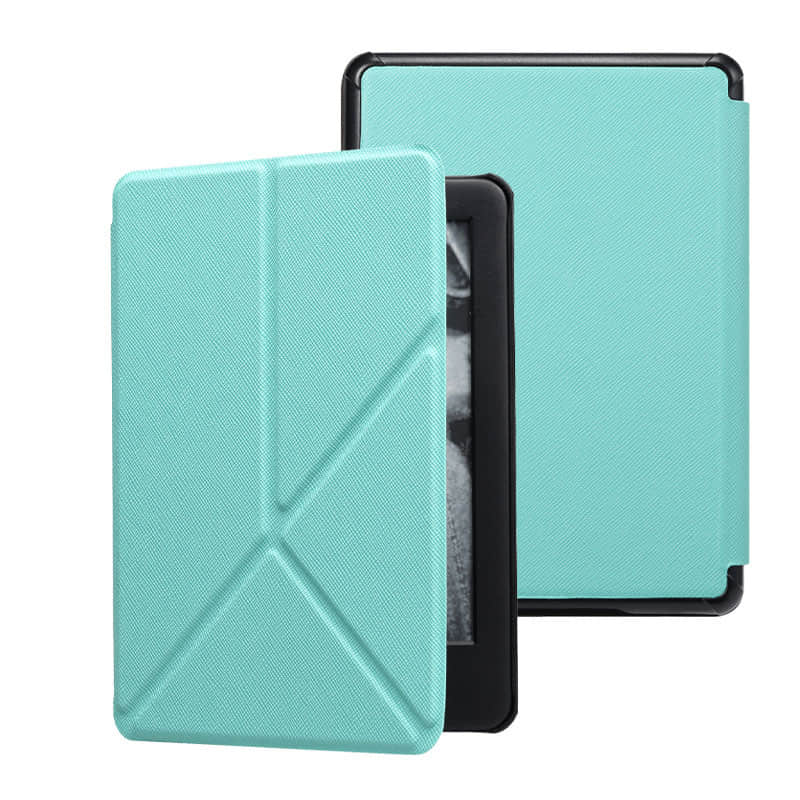
Most manufacturers use one of three base materials: polycarbonate (hard plastic shell), TPU (that rubbery flexible stuff), or PU leather (the fake leather that’s everywhere). The polycarbonate cases are tough — I’ve dropped mine off a kitchen counter twice and it didn’t crack — but they’re also rigid, which means if your tablet has any curves or rounded edges, you might get gaps. TPU flexes, absorbs shock better, and feels grippier in your hand. The downside? It yellows over time, especially if you leave it in sunlight.
PU leather is where things get tricky. Not all PU leather is created equal. The cheap stuff (and I mean the $15-per-case cheap) starts peeling at the corners within six months. You’ll notice it first where your hand grips the case most often — those oils from your skin break down low-quality PU fast. The better manufacturers use a coated PU that’s heat-sealed at the edges. Costs maybe $8 more per case. Worth every penny.
Here’s what nobody mentions in product descriptions: the interior lining matters more than the exterior. A scratchy polyester lining will micro-scratch your tablet screen over time, even if you’re careful. You want microfiber or a soft felt-type material touching your device. And check if the case has raised edges around the screen — at least 1-2mm. That tiny lip is the difference between a cracked screen and a “whew, that was close” moment when you drop it face-down.
One last thing about stitching (because yes, even fake leather cases have stitching): double-stitched seams hold up. Single-stitched seams are a gamble. I’ve had cases where the stitching came undone after three weeks of normal use, and the manufacturer basically shrugged and said “that’s cosmetic damage, not covered.” So.
From Upload to Doorstep: What Actually Happens When You Order a Custom Tablet Case
So you’ve picked your design, uploaded your photos or logo, and hit “order.” What now? Honestly, most companies don’t explain this part — which is weird, because the production process is where things can go sideways if you’re dealing with a sketchy vendor.
First, your design gets reviewed. Not by a human, usually. Most print-on-demand services run your file through automated checks: resolution too low? Flag it. Image doesn’t fit the template dimensions? Flag it. Some places will email you within an hour if there’s an issue. Others (and I’ve tested this) will just… print it anyway and send you a blurry mess. Then you’re stuck dealing with returns.
The actual printing happens one of two ways: UV printing or sublimation. UV printing sprays ink directly onto the case material — works great for hard plastic shells, gives you vibrant colors, dries in seconds under UV light. Sublimation is different. They print your design onto transfer paper, then use heat and pressure to bond the ink into the material itself. That’s why sublimation prints feel smooth to the touch instead of slightly raised.
Here’s the part nobody warns you about: turnaround time varies wildly depending on whether your case is pre-made or cut-to-order. If you’re ordering for a popular tablet like an iPad, they probably have blank cases sitting in inventory. Your custom tablet case gets printed and ships within 2-3 business days. But if you’ve got something obscure — say, a Lenovo Tab M10 or a Samsung Galaxy Tab A7 Lite — they might need to manufacture the blank case first, then print it. That can add a week.
Shipping is where things get interesting. Most vendors use standard courier services, but the packaging quality differs massively. I’ve received cases in padded envelopes (fine), thin cardboard mailers (risky), and once — I’m not kidding — a case just shoved in a plastic bag with a printed label slapped on it. No bubble wrap. No protection. It arrived scuffed.
And quality control? Hit or miss. Big operations have someone eyeball each case before it ships. Smaller outfits skip that step entirely, which is how you end up with cases that have dust particles trapped under the print or misaligned designs that are off-center by half an inch.
Conclusion
So here’s what actually matters: if you’re ordering a custom tablet case, ask about their quality control process before you pay. Seriously. The $8 difference between vendors isn’t about the printing — it’s about whether someone’s checking your case before it ships or just slapping a label on whatever comes off the press.
And pad your timeline. If they say 5-7 days, assume 10. Especially if you’ve got a less common tablet model.
One last thing — save your design file after you upload it. I’ve had to remake artwork twice because vendors “lost” my file and couldn’t reprint without me starting over. Learn from my mistakes.
Frequently Asked Questions
Q: How long does it take to get a custom tablet case?
A: Most vendors quote 5-7 business days, but honestly? Plan for 10-14 days if you’ve got anything other than an iPad or Galaxy Tab. Production is usually 3-4 days — it’s the shipping that kills you, especially if they’re printing overseas.
Q: Can I use my own photos on a custom tablet case?
A: Yeah, and that’s kind of the whole point. Just make sure your image is at least 3000×3000 pixels or it’ll look pixelated as hell when they stretch it across the case. I learned this the hard way with a vacation photo that looked great on my phone but garbage on the actual case.
Q: What’s the difference between UV printing and sublimation for tablet cases?
A: UV printing shoots ink directly onto the case surface — it’s faster and works on hard shells, but the design can chip if you’re rough with it. Sublimation actually dyes the material itself, so it won’t peel or fade, but it only works on certain plastics and lighter colors. Most custom tablet case vendors use UV because it’s cheaper to set up.
Q: How much does a custom tablet case usually cost?
A: You’re looking at $25-45 for a decent one. The $15 options on sketchy sites are tempting, but they’re usually flimsy TPU that yellows in three months. I’d rather pay $35 once than $15 three times.
Q: Will a custom case protect my tablet as well as a regular one?
A: Depends entirely on the base case they’re printing on. A custom tablet case is just a regular case with your design on it — so if the vendor’s using a cheap shell with no corner reinforcement, your custom cat photo won’t save your screen when you drop it. Ask what brand or material they’re using before you order.
Q: Can I get a custom case for older tablet models?
A: Sometimes, but it’s a crapshoot. I’ve had vendors tell me they support my 2026 Samsung Tab only to send me a case that didn’t fit the camera cutout. If your tablet’s more than 3-4 years old, message their support first with your exact model number — don’t just trust the dropdown menu.
Q: Do custom tablet cases fade or peel over time?
A: The good ones shouldn’t for at least a year or two, but yeah, eventually the design will show wear — especially around edges where you grip it. UV-printed cases start losing vibrancy after about 18 months of daily use in my experience. Heat speeds it up, so don’t leave it in your car dashboard all summer.
Q: What file format should I use for my custom design?
A: PNG or JPG works fine for most vendors, but save it as a PNG if your design has text or sharp lines — JPGs compress weird and you’ll get fuzzy edges. And seriously, save a copy of whatever you upload because some companies won’t store it after printing.